Tiếng Việt
Desk setup – Listen the right way
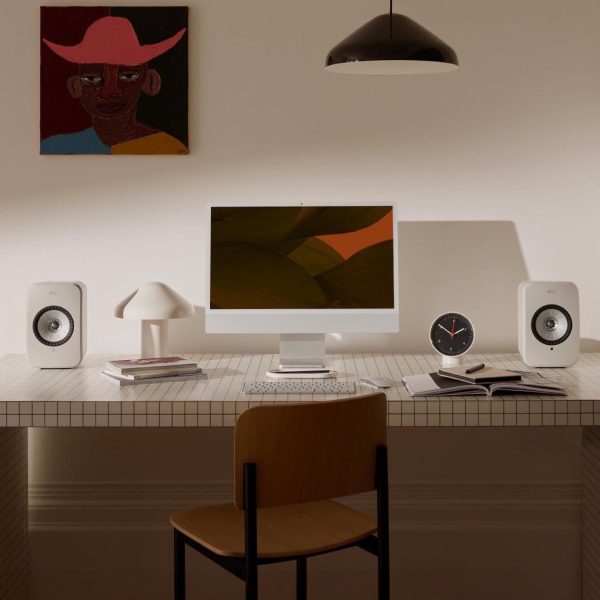
Desk setup at District M brings together desk, accessories, speakers, headphones, and DAC into one listening system at your seat: online meetings, all-day work, and music when you need focus.
Start with a ready-made Desk Setup combo, or build layer by layer: HyperWork desk, cable-tidy accessories, desktop/monitor speakers, headphones, and a DAC to upgrade sound quality.
Shop by group
Suggested desk setups
Ready-made desk setup combos: matched desk, speakers, and accessories. Pick a style, open the combo, then fine-tune for your room.
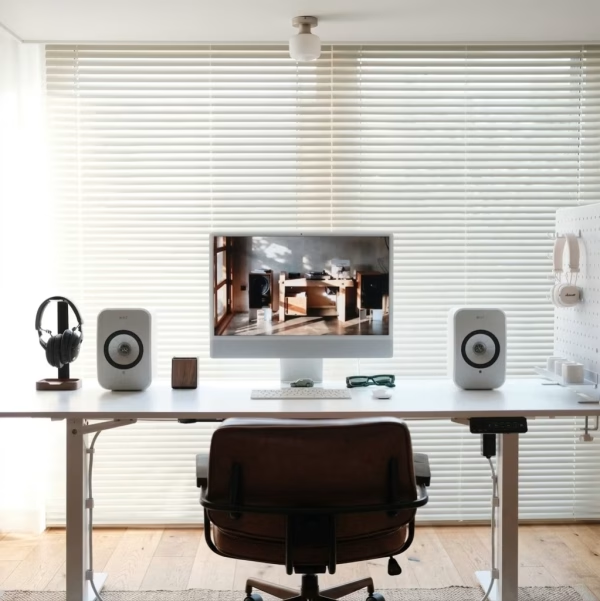
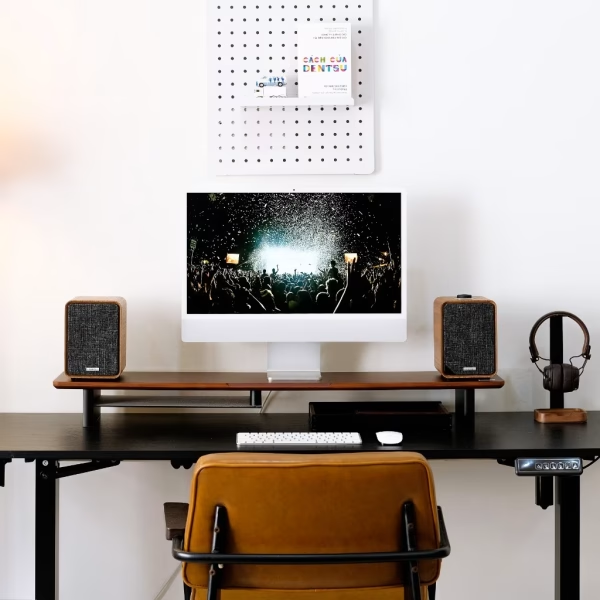
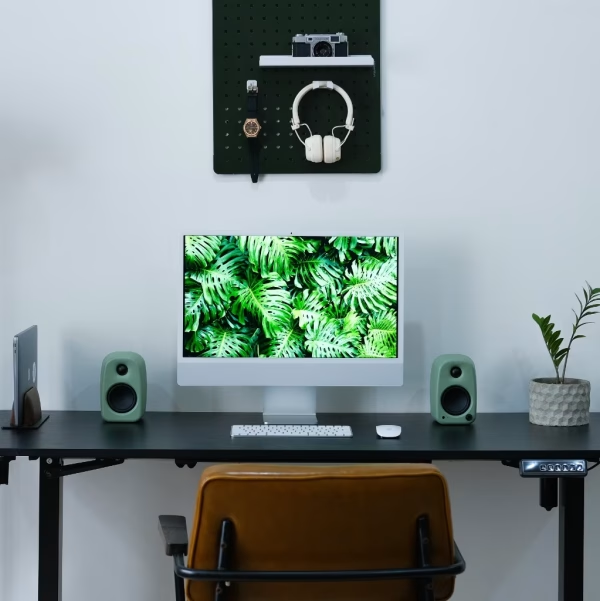
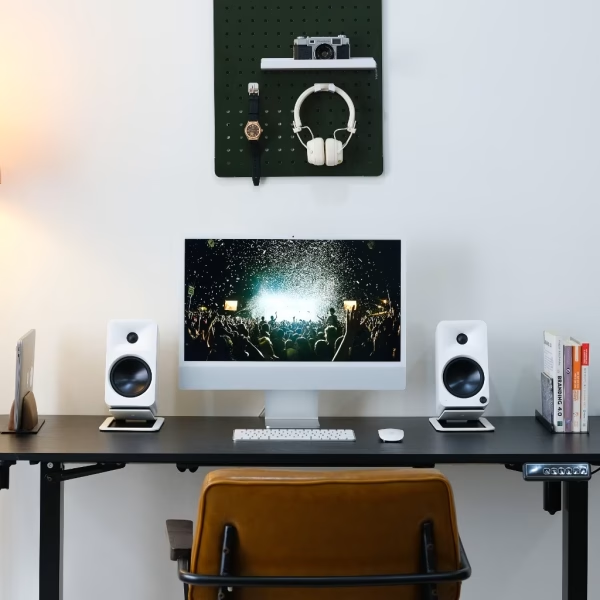
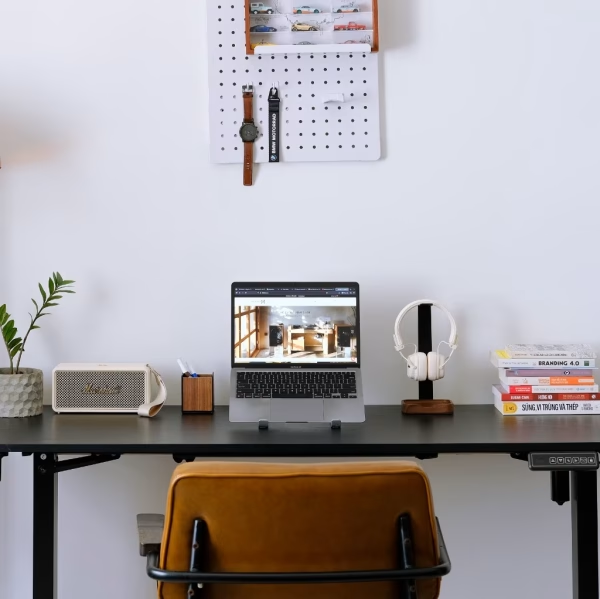
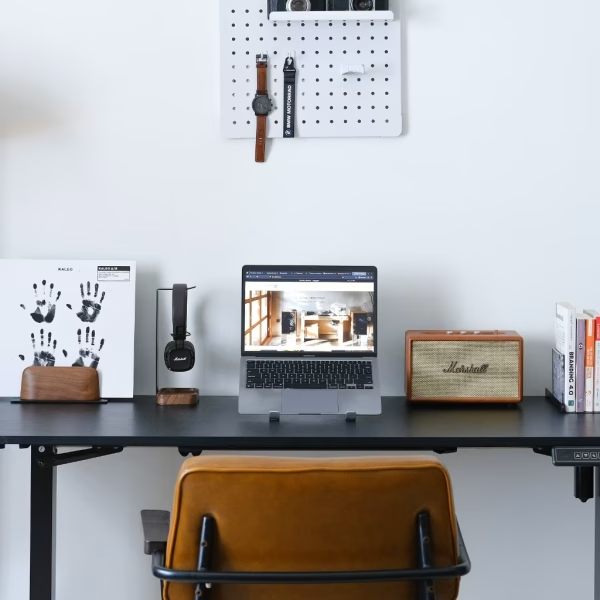
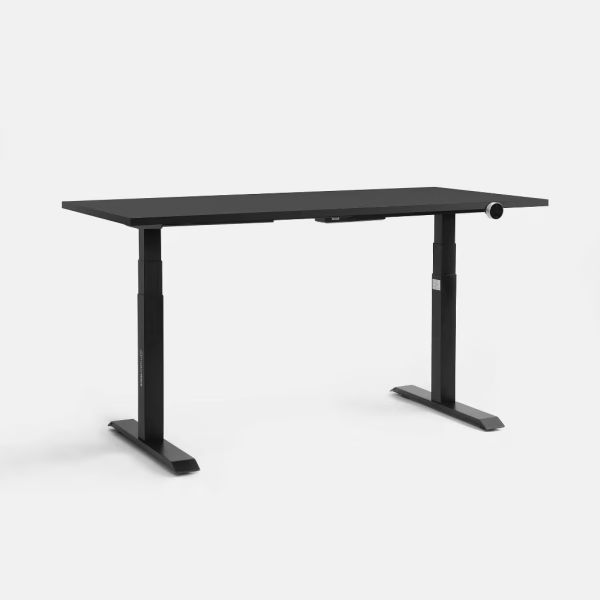
Desks – The foundation of your setup
Enough space for display, speakers, and audio gear; proper seating posture, balanced layout, less vibration.
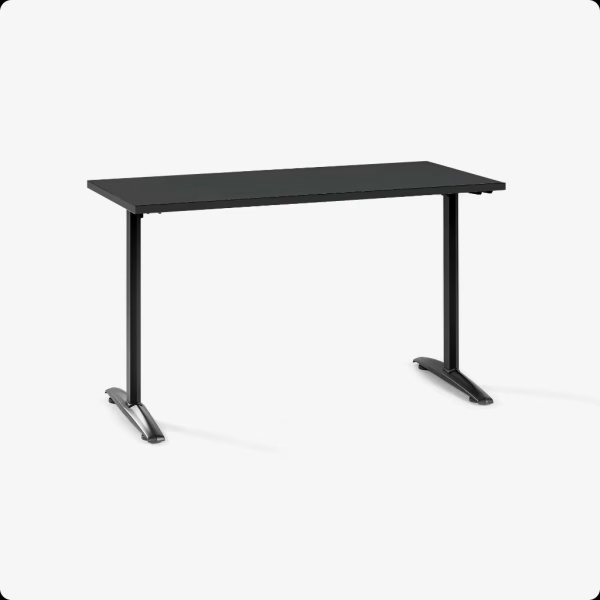
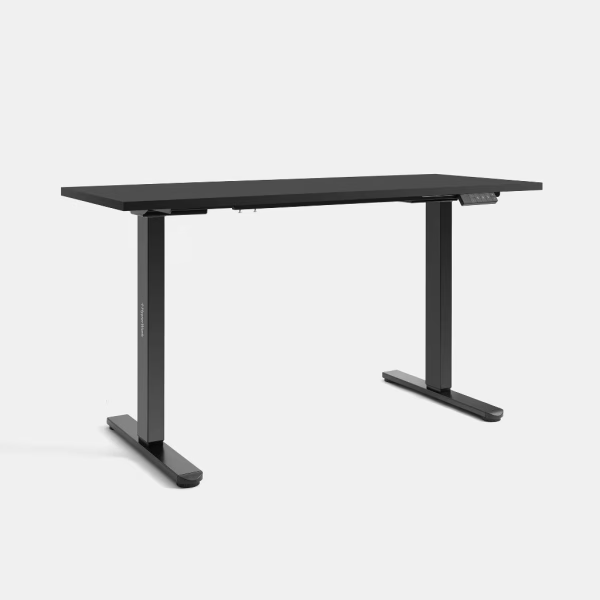
Setup accessories – Keep the desk tidy
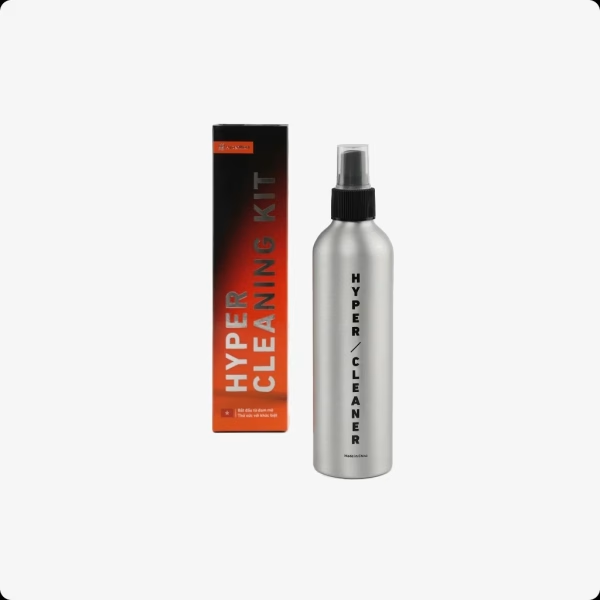
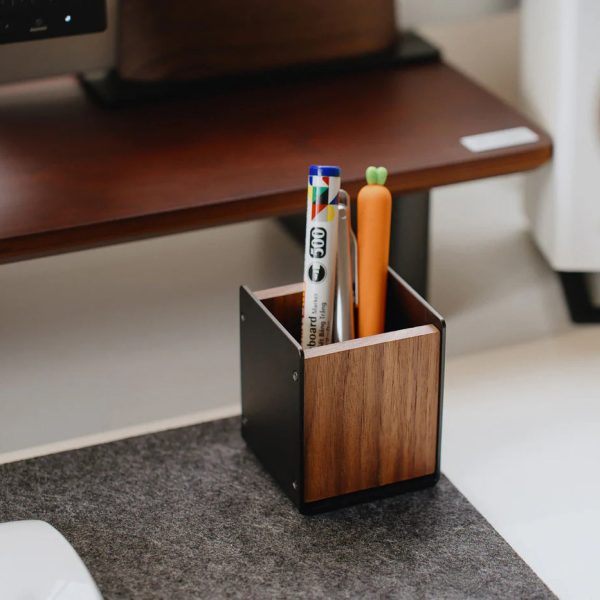
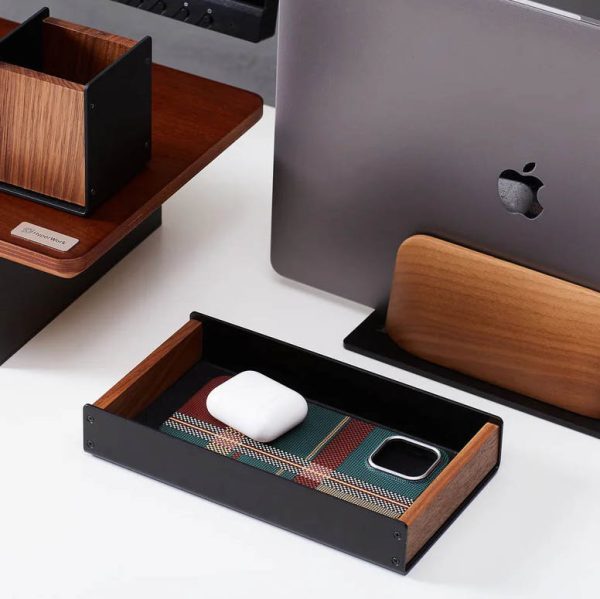
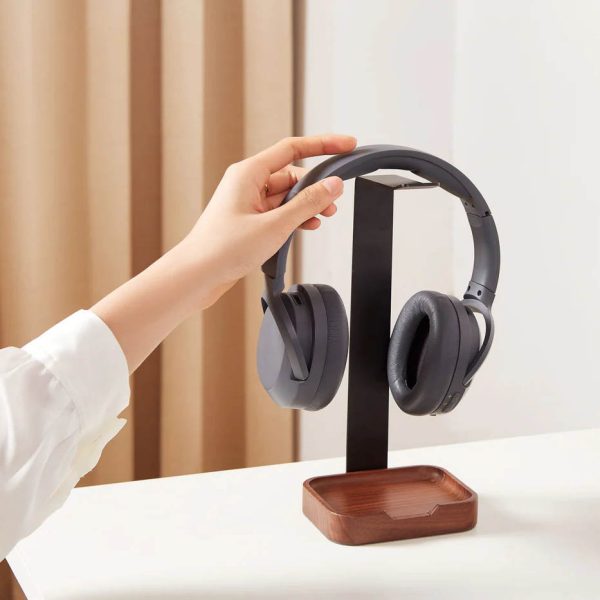
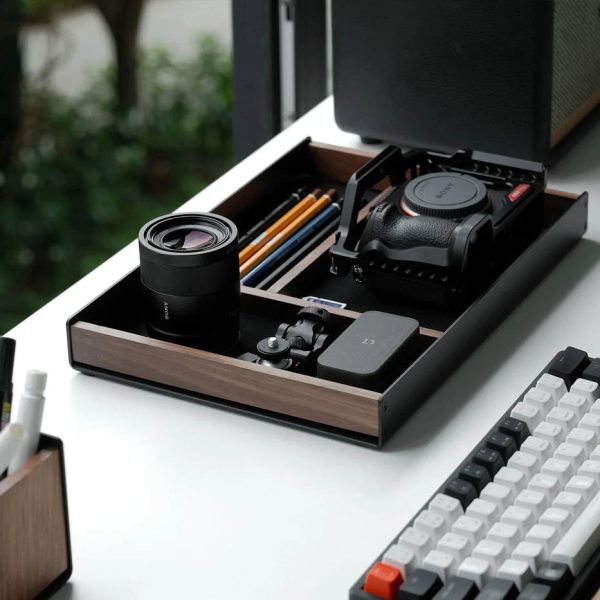
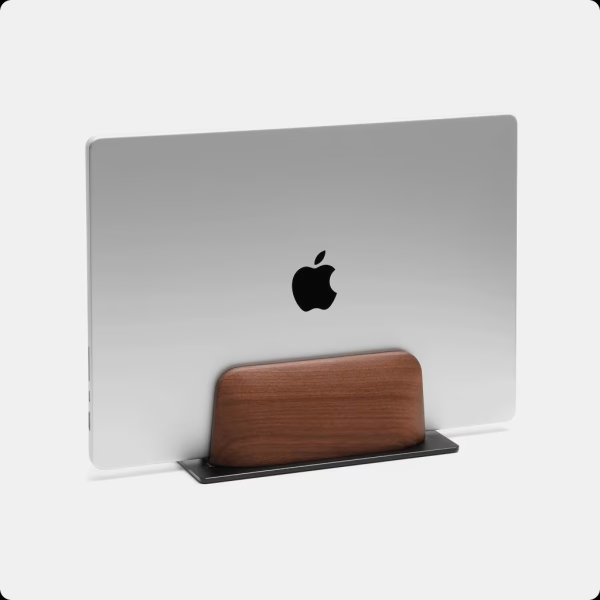
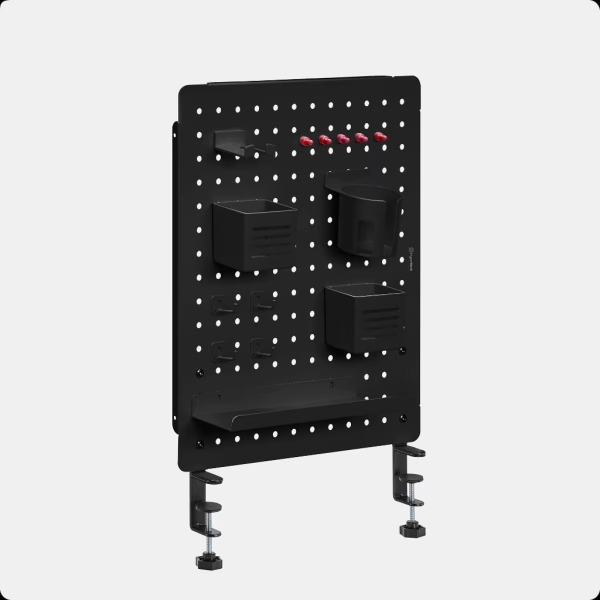
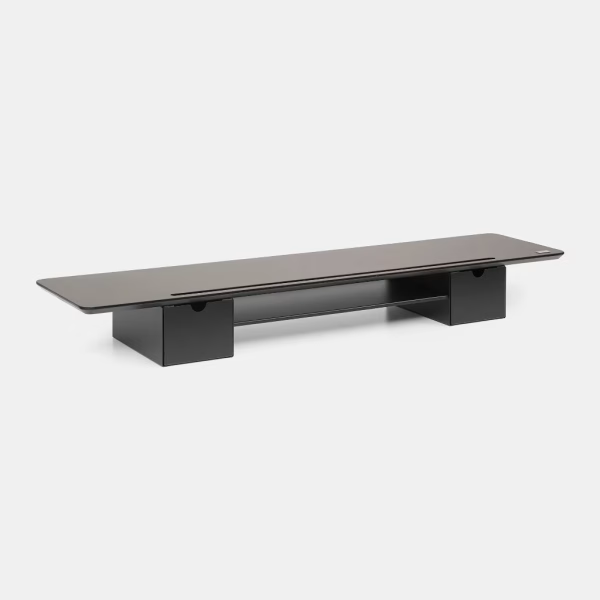
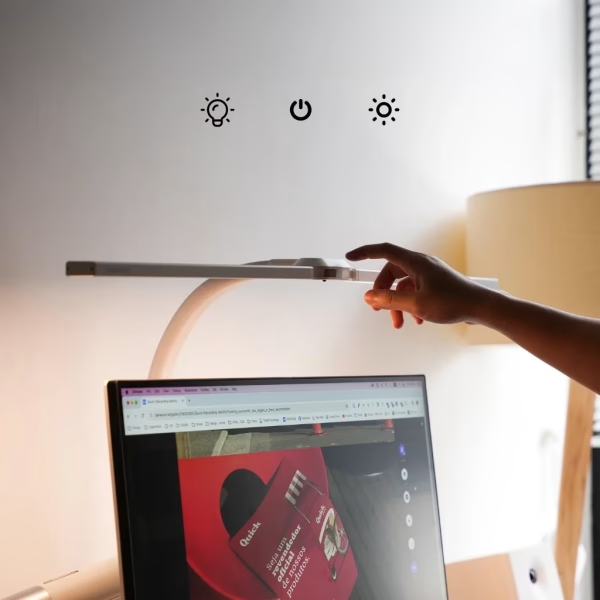
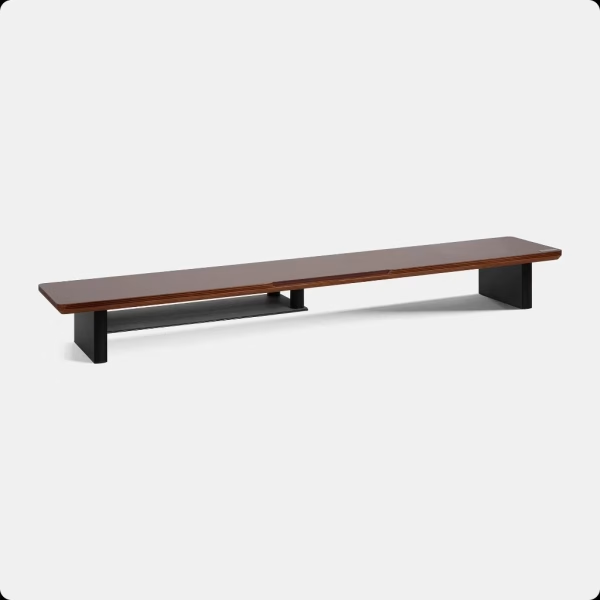
Stands, trays, lights, pegboards, and cable management: a clear surface, organized cables, fewer snags and bumps.
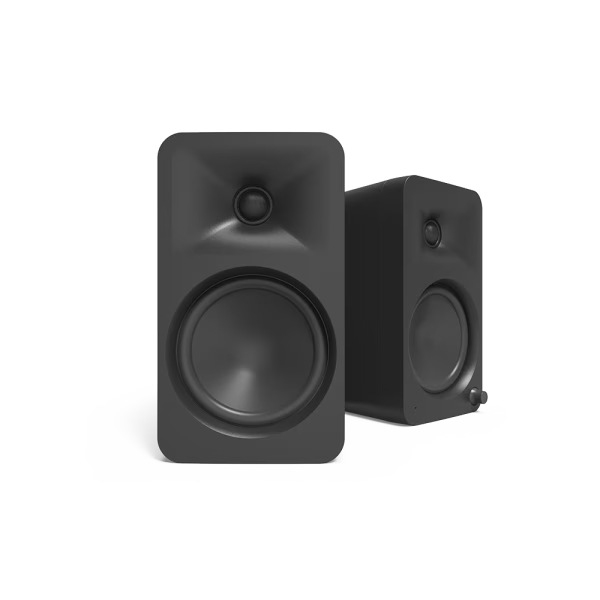
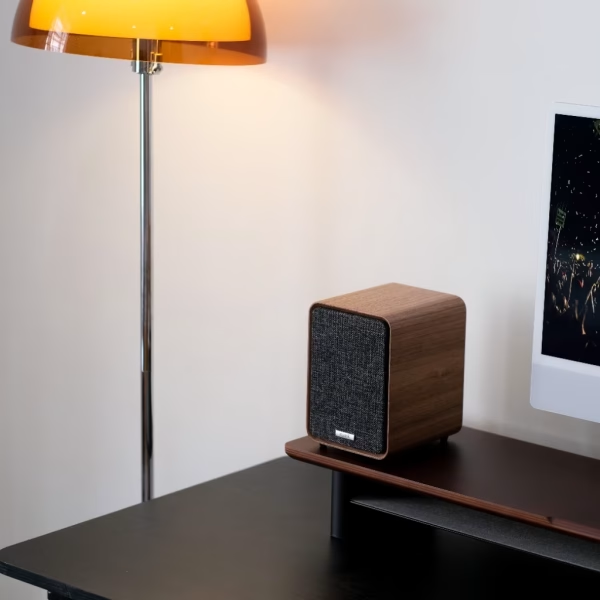
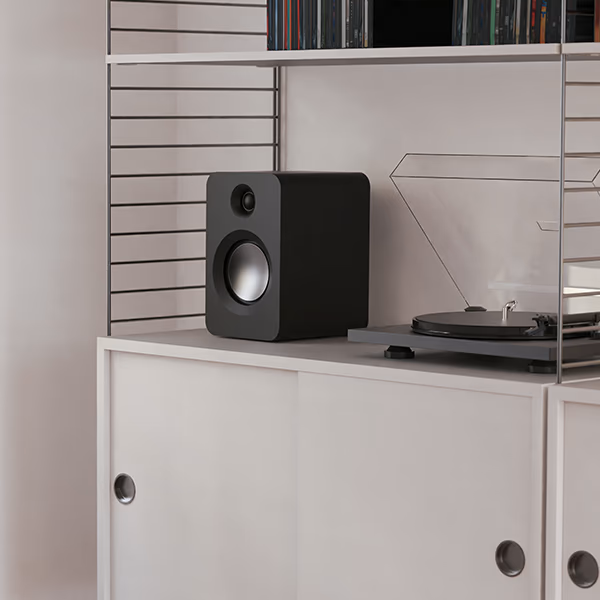
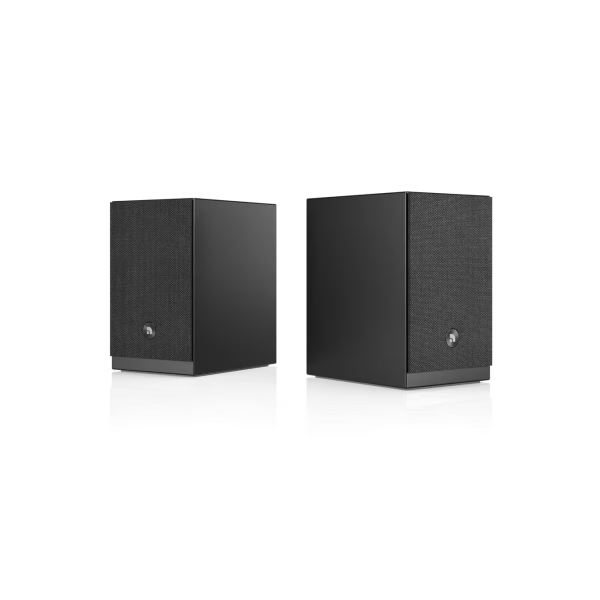
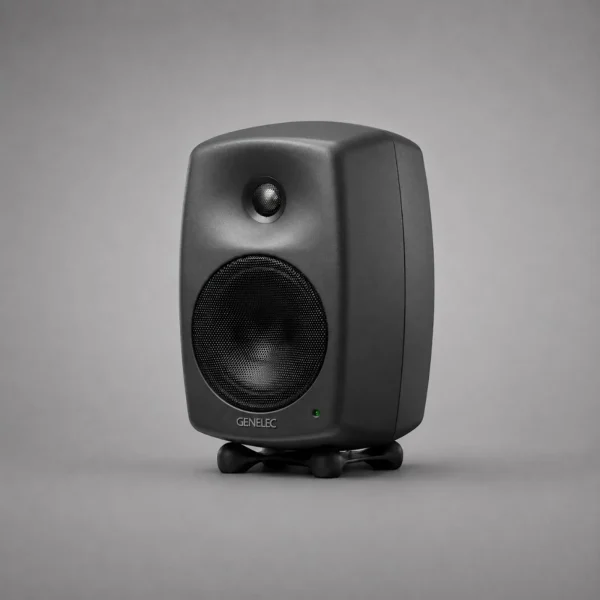
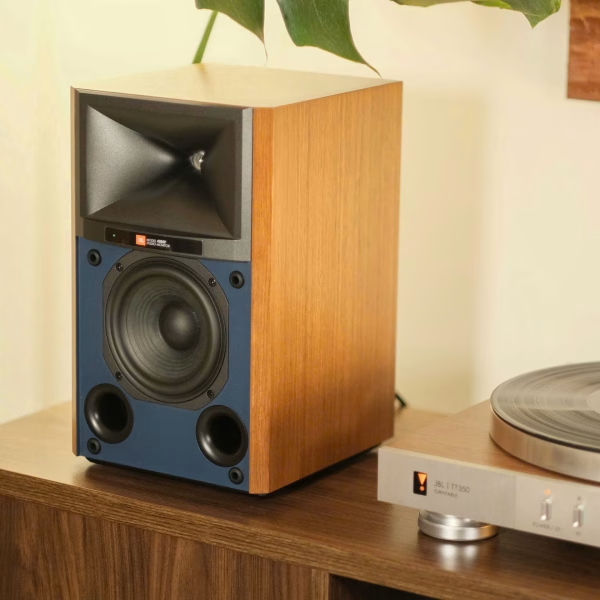
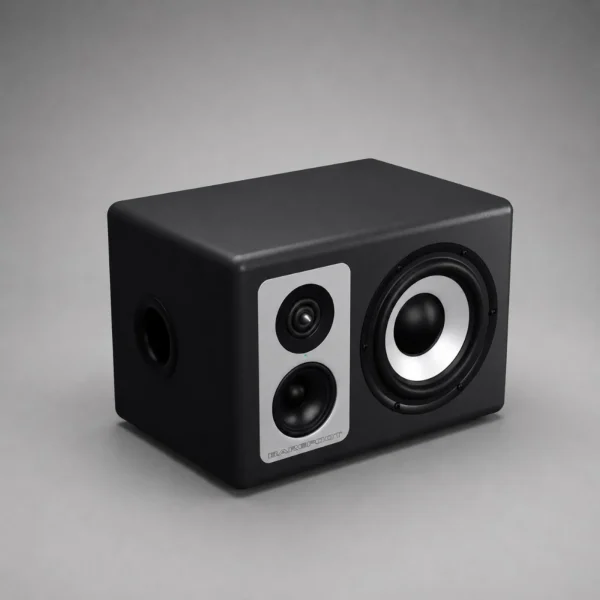
Speakers – The main sound of your desk
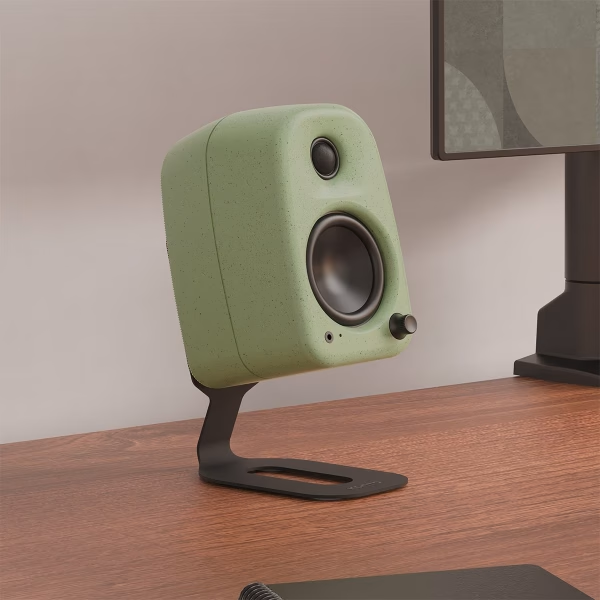
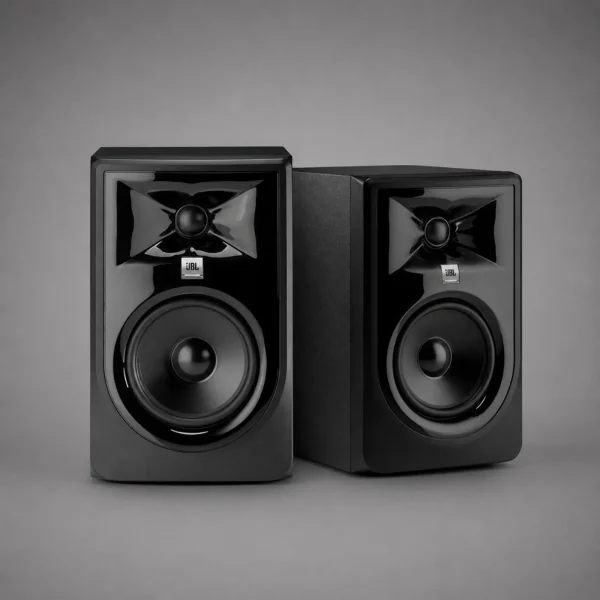
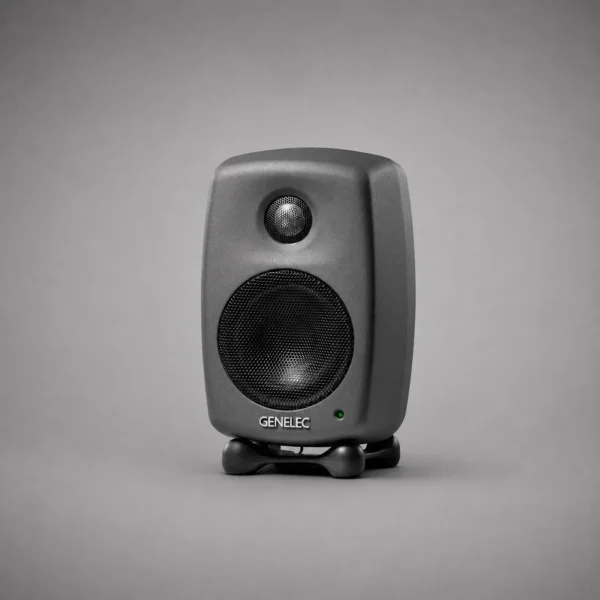
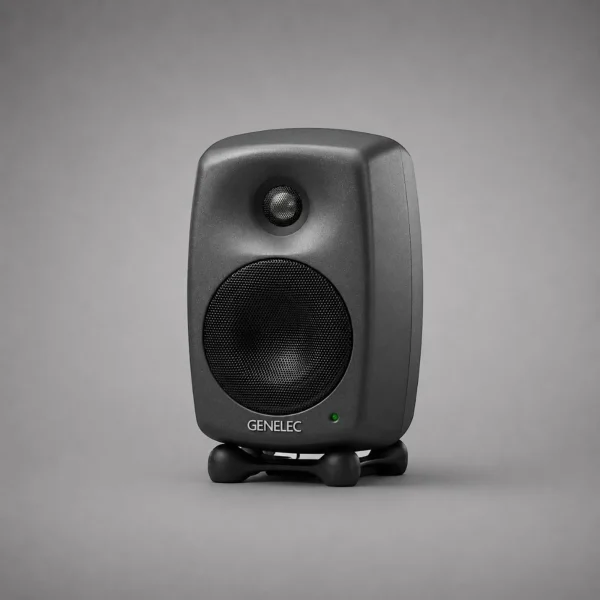
From compact desktop speakers to studio monitors: choose by desk size and listening distance for long, fatigue-free sessions.
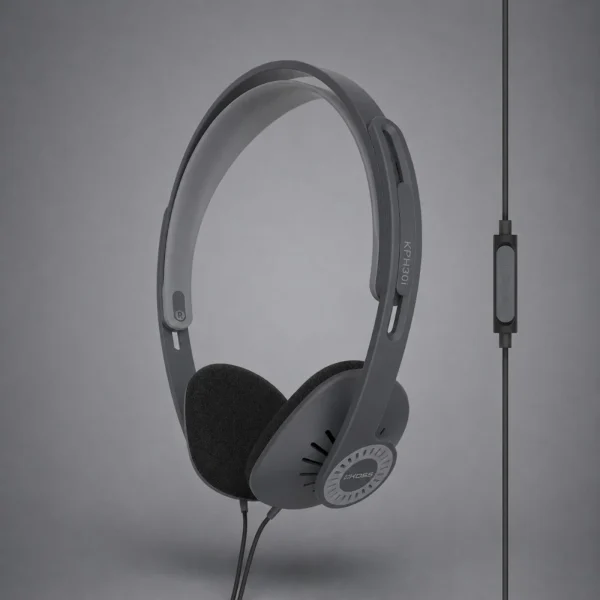
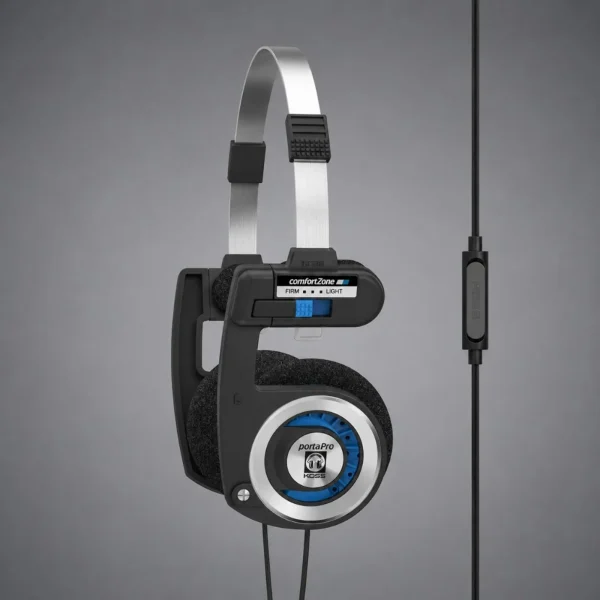
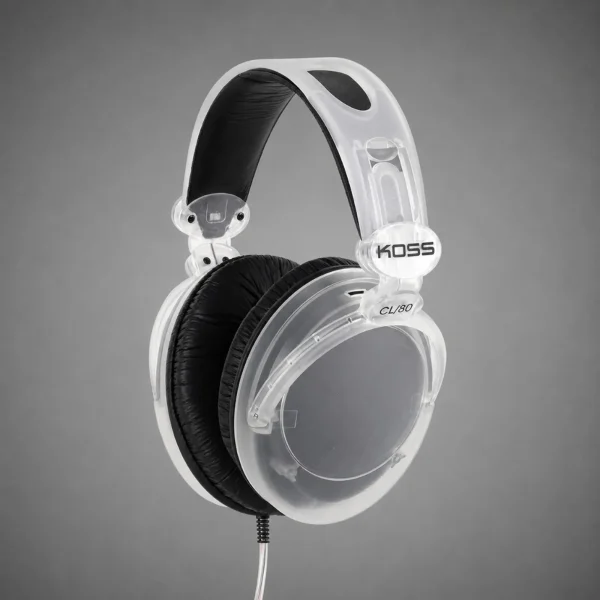
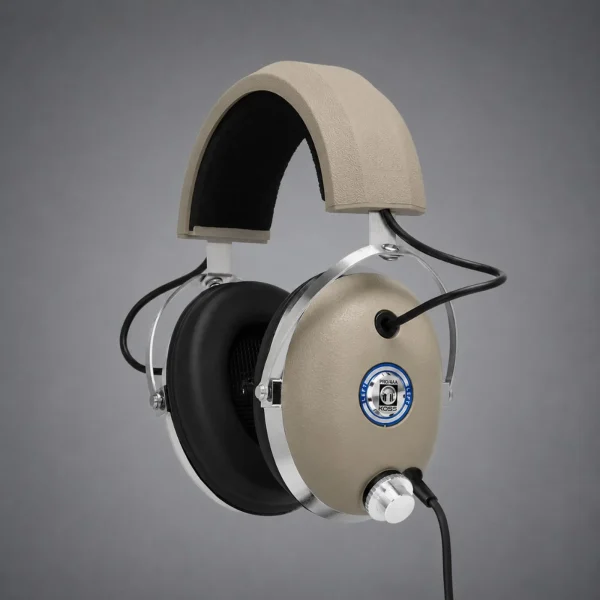
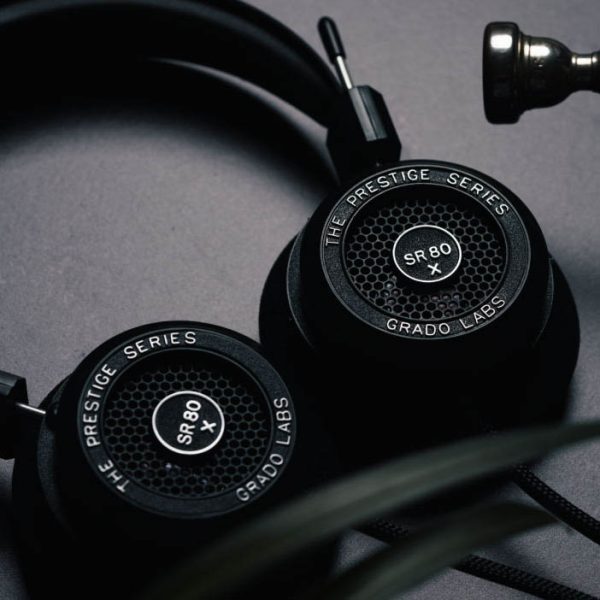
Headphones
Online meetings and all-day music: light on-ear to over-ear ANC. Choose by mic, wired/wireless, and wear time.



DAC
Cleaner digital-to-analog conversion from PC/laptop to speakers or headphones when the built-in source is limited.
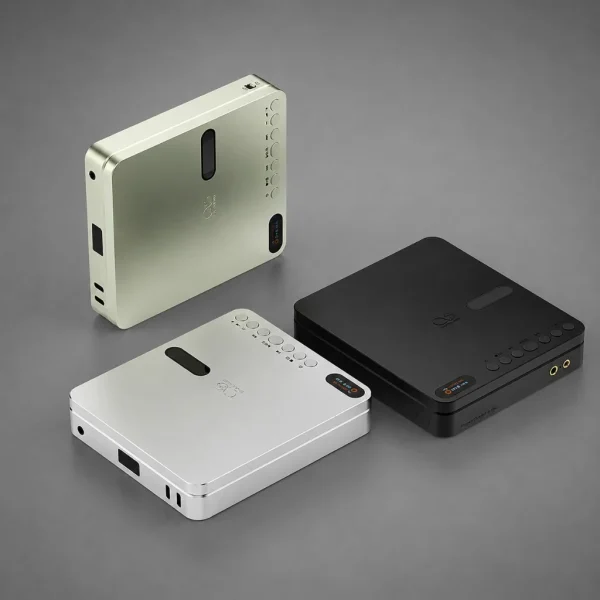
Four layers of a desk setup
01. Desk
A solid base: room for display, speakers, and gear; proper posture, balanced layout, less vibration. HyperWork Core Desk is fixed-height; Active / Atlas sit-stand when you switch between standing and sitting.
02. Accessories
Stands, hubs, lights, pegboards, and cable trays keep the surface clear – organized cables, fewer snags and bumps.
03. DAC
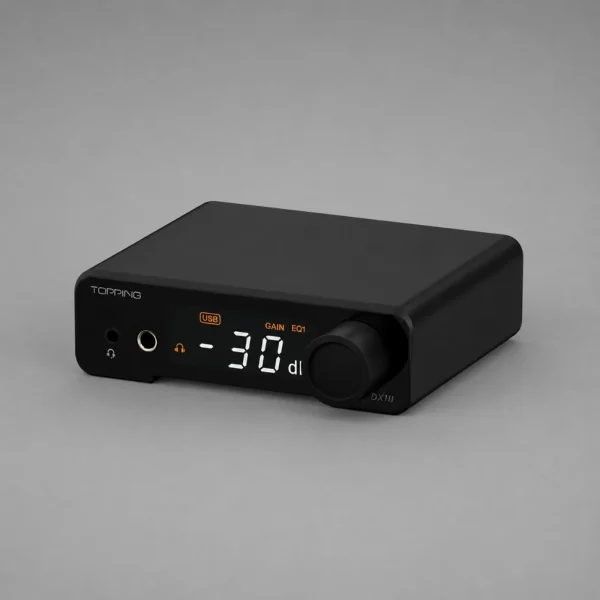
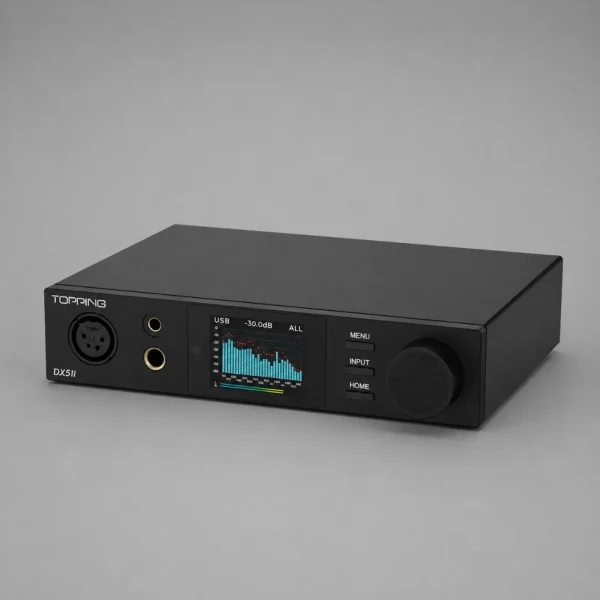
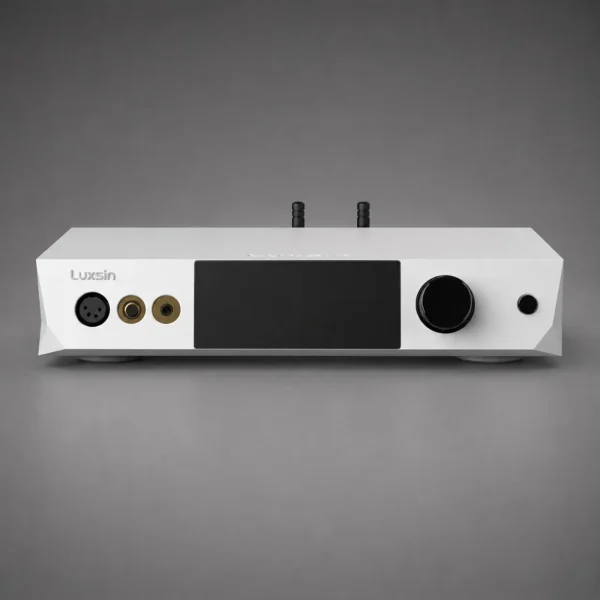
Cleaner digital-to-analog conversion from PC/laptop to speakers or headphones when the built-in source is limited. Entry: Topping DX1 II; step up: DX5 II, Luxsin X9.
04. Speakers & headphones
The audio center: meetings, music, and daily content. Choose by desk size and listening distance. Want fewer decisions? See Desk Setup combos above.
Quick picker
| You need | Group | Suggestion |
|---|---|---|
| A ready-made corner | Desk Setup | KEF LSX II LT · Ruark MR1 · Kanto |
| Sit-stand desk | Desks | HyperWork Active · Atlas |
| Keep the desk tidy | Accessories | Pegboard PG02 · DS01/DS02 shelves |
| Desktop hi-fi speakers | Speakers | Ruark MR1 · KEF LSX II LT |
| Work / mix monitors | Speakers | Genelec 8010A · JBL 306P |
| All-day headphones | Headphones | Koss Porta Pro · Marshall Major V |
| Upgrade sound quality | DAC | Topping DX1 II · DX5 II |
FAQ
How is Desk Setup different from buying separately?
Desk Setup is a suggested combo with matched colors and desk-to-speaker proportions. You can still buy individual items under Desks, Accessories, and Speakers below.
Desktop speakers or studio monitors?
Desktop (Ruark, Kanto, KEF wireless) are convenient with Bluetooth/app. Monitors (Genelec, JBL) are more neutral for audio work – usually need correct distance and near-wall placement.
Do I need a DAC if my laptop already has a 3.5 mm jack?
Not required. A DAC helps when you want lower noise, harder-to-drive headphones, or balanced/RCA output to active speakers.
Does District M help build a desk setup?
Yes: hotline 0976 792 922 or Zalo. Bring desk dimensions and budget for a specific recommendation.
Desk setup advice
Not sure between a Desk Setup combo, desktop speakers, or monitors? District M advises by desk and budget – authentic products, nationwide warranty.